Windows Prerequisites Installation
Installing Python
To install Python, go to https://www.python.org/downloads/ and download the latest version.
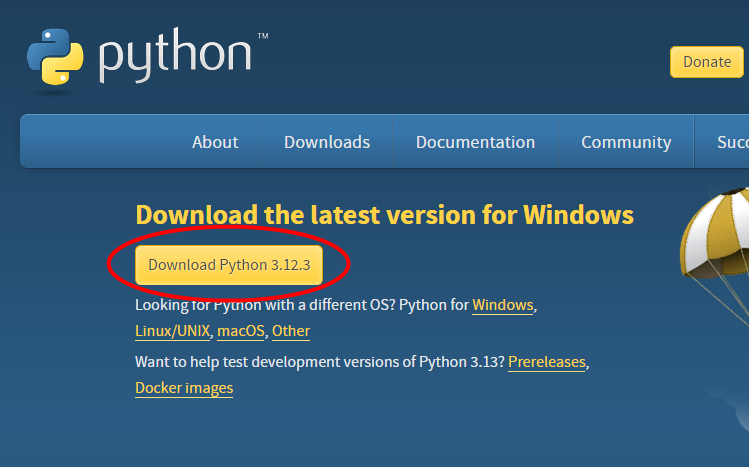
Then, run the executable and follow the installation instructions.
Installing the Pillow package
After you have installed Python, you need to install the Pillow package that's used for resizing images and creating thumbails.
To do that, open Powershell and run the following command
pip install Pillow
python -m install Pillow
You now have all the prerequisites you need installed! Go back to Creating an image gallery to learn how to create a gallery!
Last modified: 18 May 2024